
Start with what it is for
A tree for every kind of page.
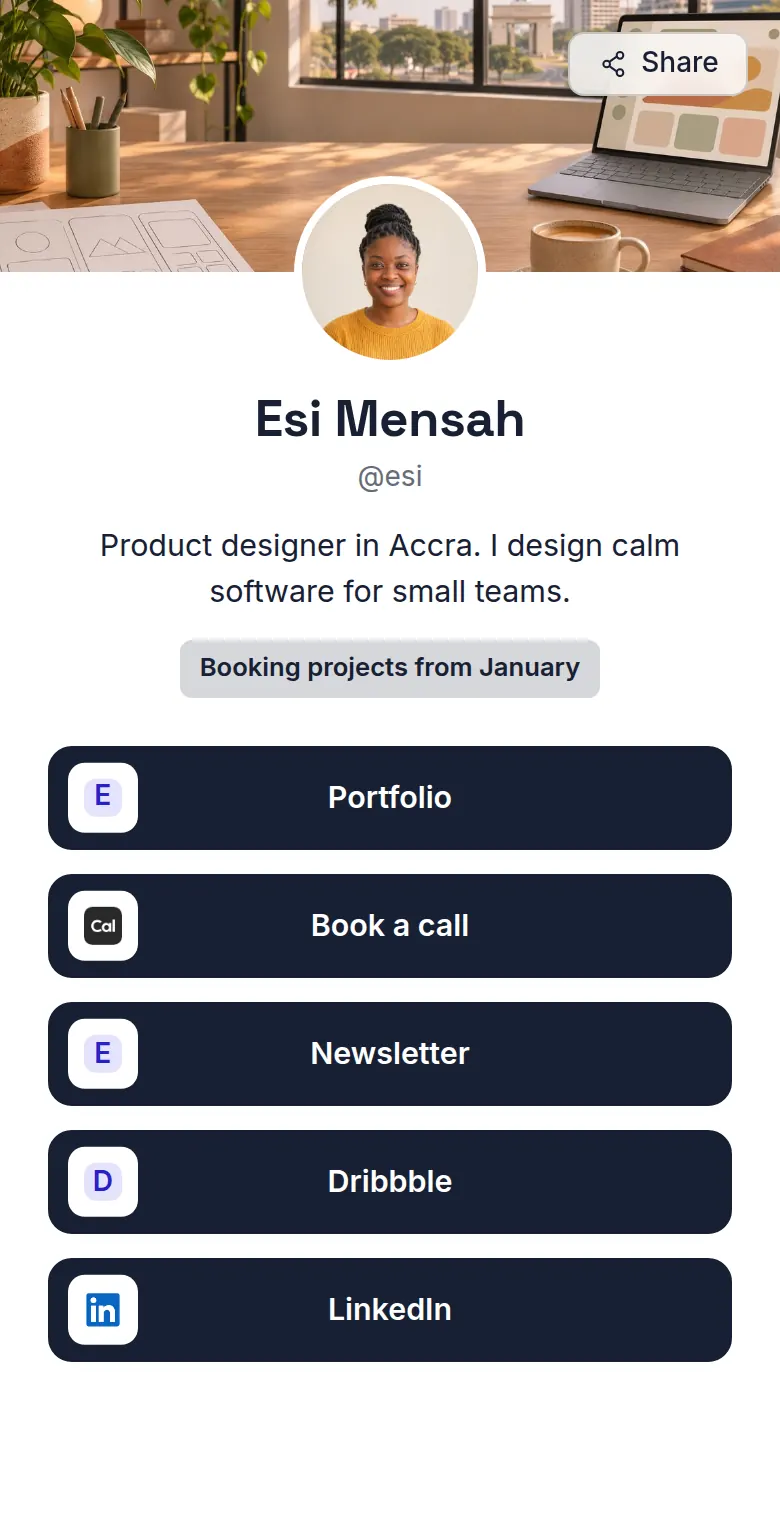
A person
Creators, freelancers, speakers and anyone with a profile. A round photo, your handle and the links you share most.
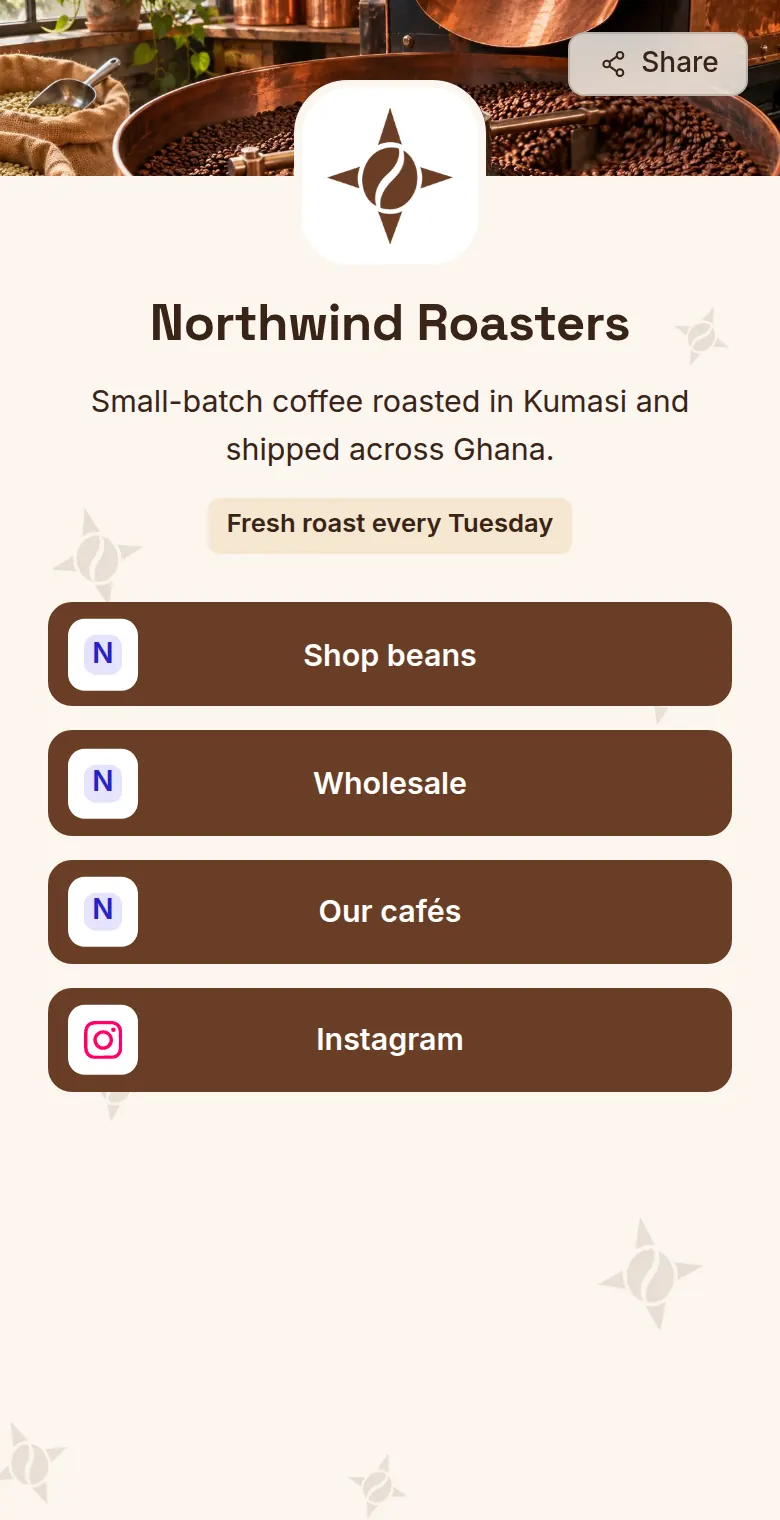
A company or brand
Shops, studios, cafés and organisations. Your logo scatters lightly across the background, and the header suits a wide banner.
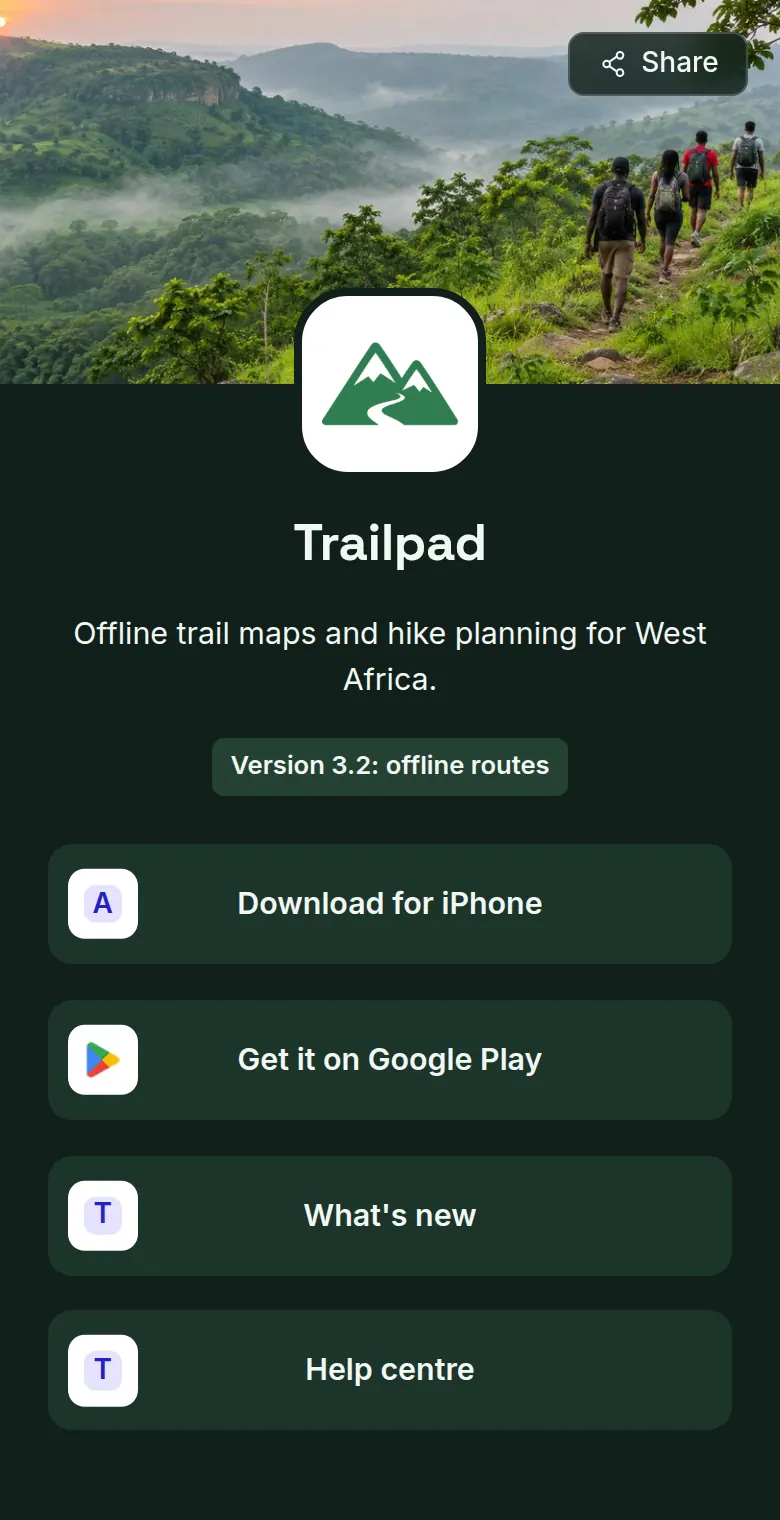
A product or app
Software, hardware or a service. A dark studio theme, the product icon in the middle and room for downloads, release notes and help.
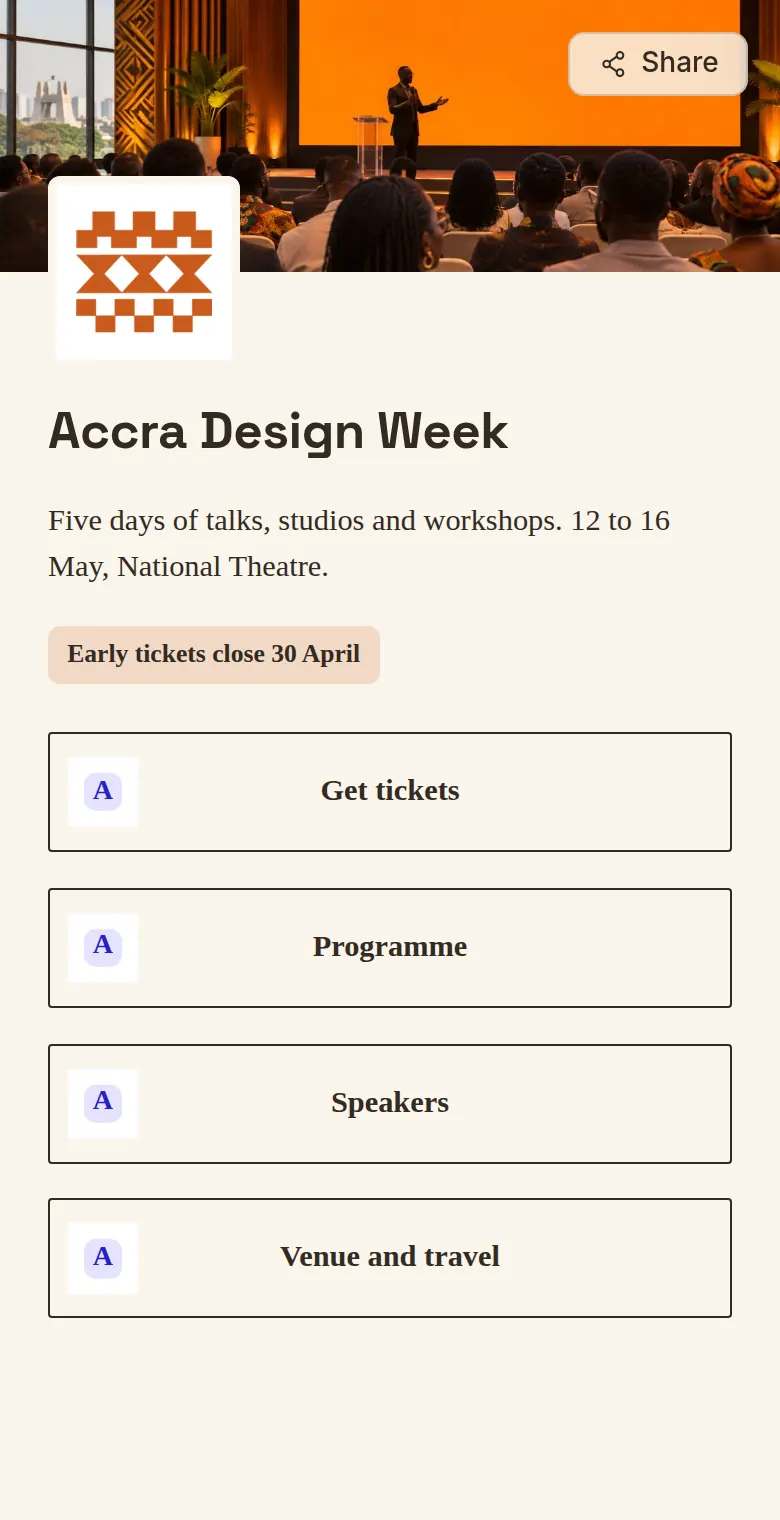
An event
Conferences, launches, meetups and weddings. An editorial serif look for tickets, the programme, speakers and the venue.
Something else? Choose “Something else” for a project, a community or a campaign.
Customize it
Make it look like yours.
Themes
Start from Minimal, Studio or Editorial. Every type begins with a sensible look you can change.
Colours and shapes
Set the background, text, buttons and accent. Choose the font, button style, corners, spacing and header layout. A warning appears when text gets hard to read.
Images
Add a banner, a photo or logo, and a background image. Uploads go live straight away, and you can undo a removal.
Highlight
One short line under your about text for what is new: a launch, a sale or a date.
Questions
Can I change the type later?
Yes. The type changes the labels, the structured data and the starting look. Your links, images and colours stay as they are.
What happens if I hide a tree?
Visitors get a not found page, it leaves the site map, and its link preview and text version stop working. Turn it back on and everything returns.
Which images can I upload?
PNG, JPEG, GIF or WebP, up to 5 MB each. You can also paste the address of an image that is already online.
Can the Assistant help with the design?
Yes. Improve with Assistant opens the Workspace Assistant with your tree named, so it can read your theme and suggest changes.